
Why Your Colours Are Printing Differently
CMYK vs RGB Explained Simply
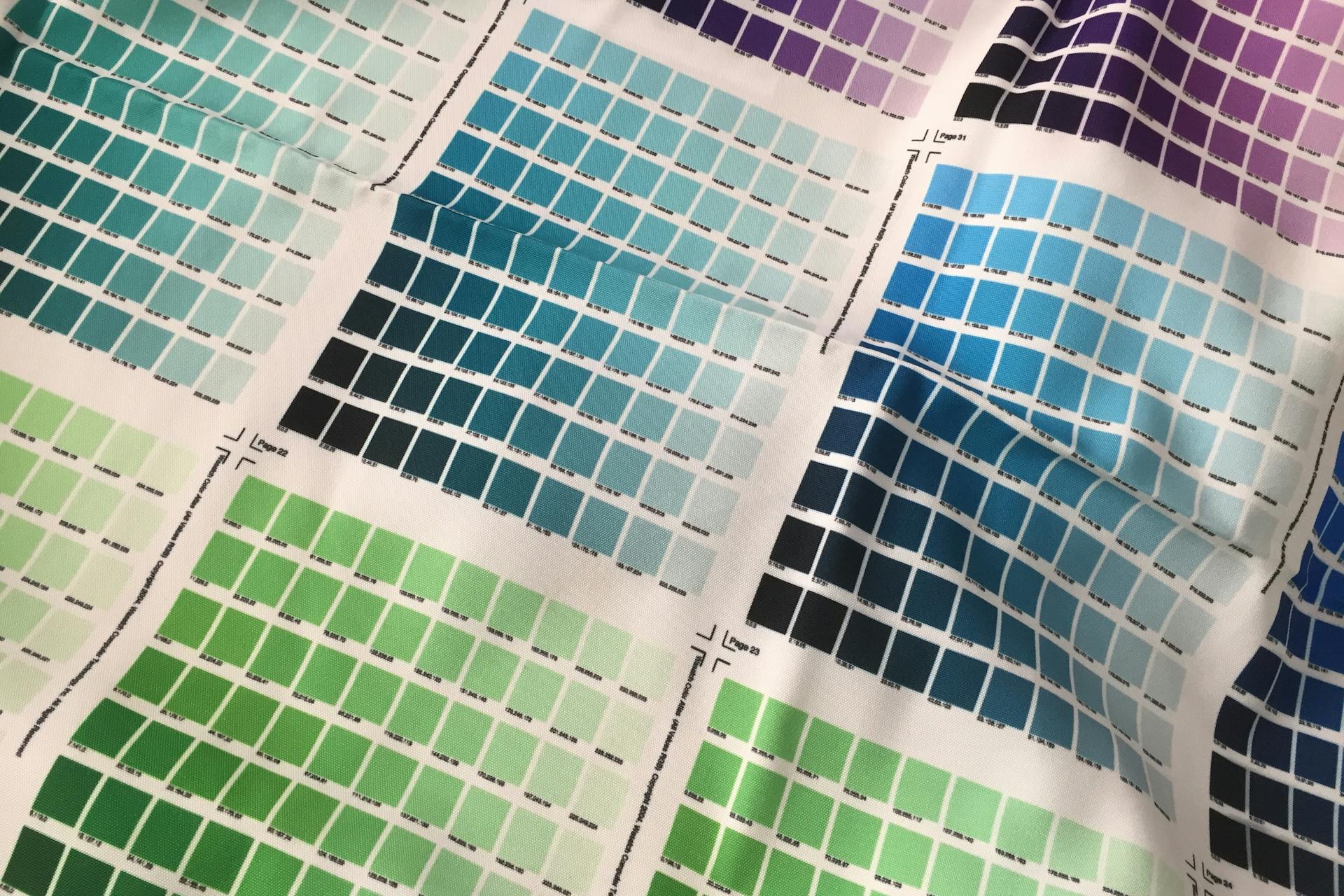
Printing is not cheap. I know because not only have I worked in print, but I also research print prices frequently for deliverables. So I personally know that it’s the absolute WORST when your print comes fresh out of the printer with those awful, muddy colours. I share this insight not only from the perspective of a designer; who knows how to setup documents so they’re ready for print, but also as someone who has worked on the other side of the bench, printing customer after customer’s sad pinks and muddy yellows.
The most important part of printing, is not when you’re sending off the file for print, or standing staring at the endless list of settings the printer seemingly has to offer. No. It’s when you’re setting up the file, importing your images, and exporting.
You must make sure you’re file colours are correct, and know the difference between CMYK and RGB.
What is CMYK?
CMYK stands for Cyan, Magenta, Yellow and Key (referring to Black ink). It is used in print. Each channel represents a percentage of ink applied to paper. Every colour you see printed is a mix of CMYK – the more ink that is added results in a darker print colour.
If a colour is 0% Cyan, 0% Magenta, 100% Yellow, and 0% Black, the printing will result in a vibrant yellow colour. If 100% Cyan were added, the colour would then be a bright green. It’s just like in primary school when you were mixing paints together.
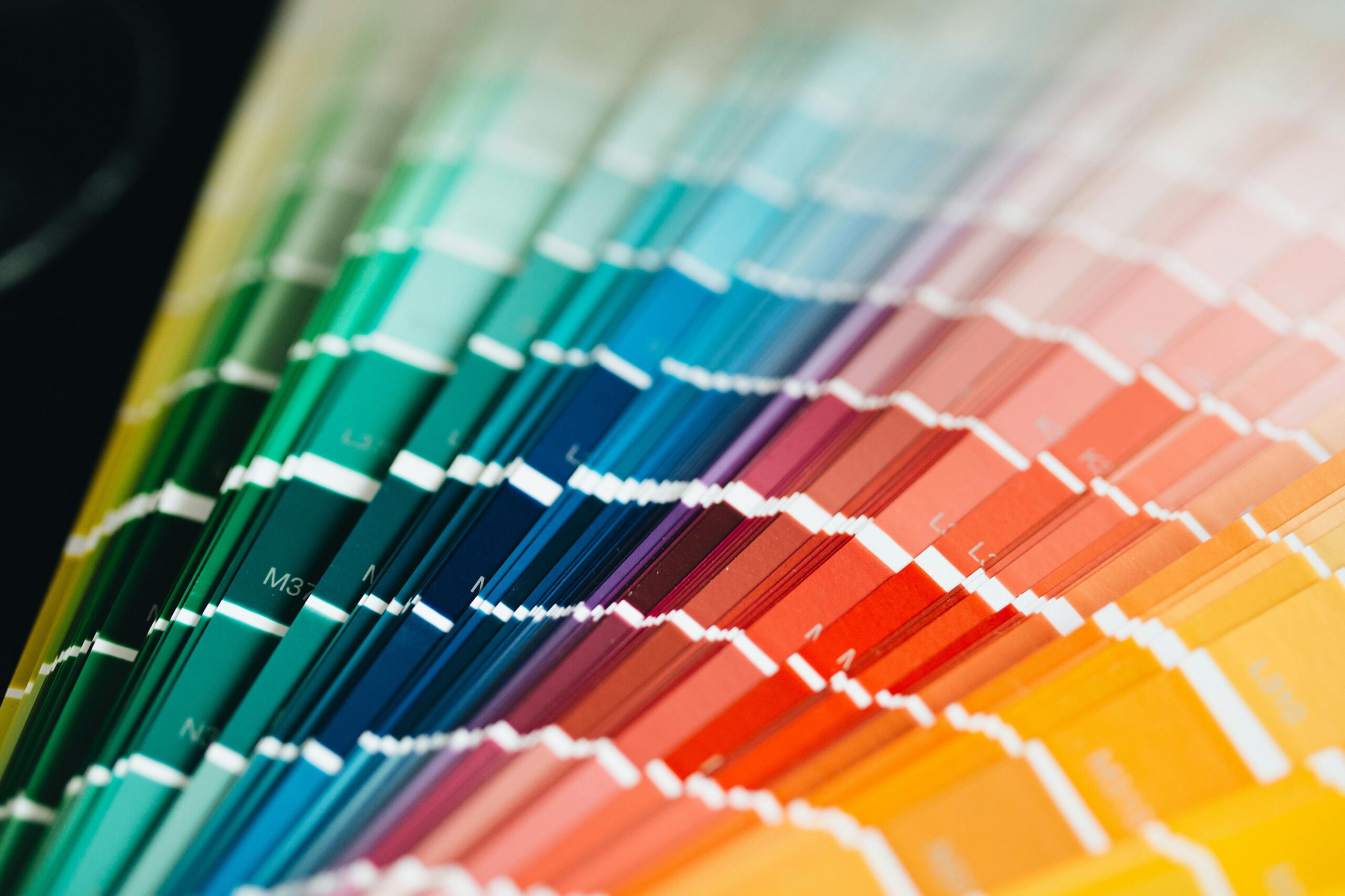
CMYK Colours
Cyan
Magenta
Yellow
Key
What is RGB?
RGB stands for Red, Green, Blue. It is used in for screens. RGB works through additive colour mixing, meaning colours are made by adding light. RGB starts with black (0,0,0). Red, green and blue colour values are then added. Each value goes up to 255. If you go all the way up in each value (255,255,255) you will get white as a result of adding more light.
If a colour is 0 Red, 255 Green, 0 Blue, the screen will show a vibrant green colour. If 255 blue were added, the colour would then be a bright cyan. RGB are generally a lot brighter than colours you see on screen, as there are millions more varieties.
RGB Colours
Red
Green
Blue
Why Do Your Colours Print So Differently?
Unfortunately printing has it’s limitations. When you see your design on screen, it’s using RGB colours. Considering there are significantly more RGB colours, when printed, printers default to the closest colour (which is generally a LOT less vibrant than originally anticipated). This results in those muddy gross colours which tend to give your brand a sad, depressing look.
RGB Colours est.
CMYK Colours est.

So What Can You Do?
- Always check that you’re setting up your document correctly prior to designing. Ensure you have RGB selected for screens, and CMYK selected for print.
- Use Pantone or printer-provided colour references when accuracy matters.
- Don’t rely on screen appearance alone for final colour decisions
- Ensure when importing and placing images that they are also in the correct colour format.
- Make sure you’re exporting in the correct file type. Certain file types are optimised for print vs screen usage.
- Always do a test print and compare colours. It’s better to get it wrong the first time than to drop $500 on printing only to realise your blue looks lilac.

Logos & First Impressions
As kids we are taught to never judge a book by its cover, but it is human nature to form opinions...

Why your business needs a website
As we move ever so quickly towards a digital world, people are moving away from the need for a...
All images on this page have been sourced from pexels.com